 Skip to content



If you manage a large product catalog for Google Shopping, you’ve probably noticed that some items continue to appear in Google Merchant Center even after they’ve been removed from your feed or e-shop.
This isn’t just a “feed loading error.” Behind this behavior are internal Google mechanisms designed to protect data and stabilize campaigns – mechanisms that are often overlooked in day-to-day feed management.
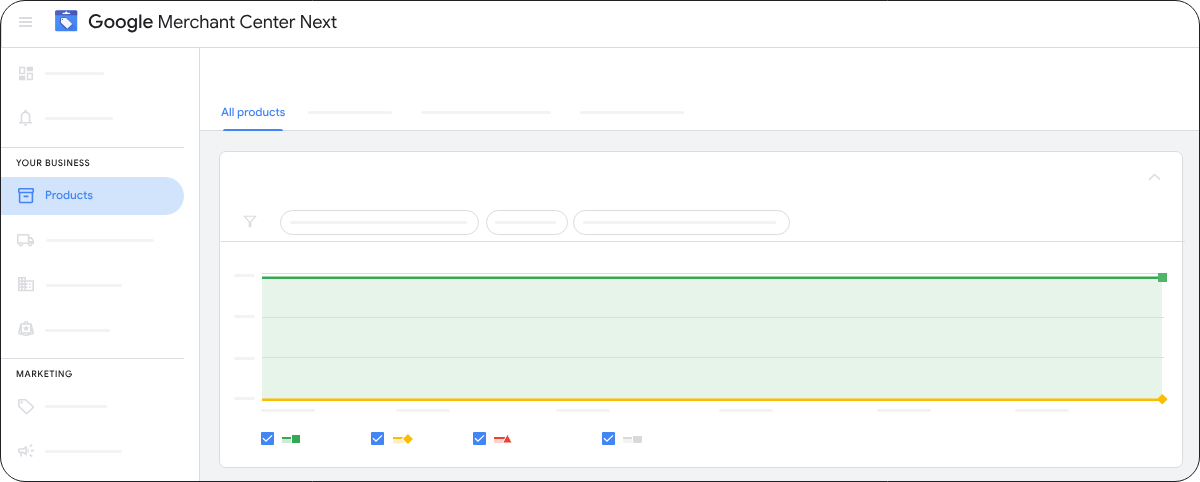
Source: Google Merchant Center Next
This is far from an isolated issue. According to available data, around 7% of all products submitted to Google Shopping are disapproved due to feed errors before they even start advertising, indicating that feed data is generally vulnerable to synchronization issues and outdated information.
In this article, we’ll explain why this happens, which mechanisms cause it, and how to work with them effectively to keep your product data in GMC both up to date and historically accurate.
Why “instant removal” is not the standard
Google Merchant Center doesn’t work in a way where a feed changes and the system immediately deletes everything that’s no longer there. There are three main reasons why GMC often keeps products active even after they’ve been removed:
1. Protective mechanism during major feed changes
If the number of products in a feed suddenly drops (for example, due to bulk removal of old items), GMC often doesn’t delete all products immediately to prevent:
- unexpected drops in campaign performance
- loss of historical data
- disruption of Smart Bidding signals used by algorithms
This protective mechanism keeps products active for a certain period to maintain system stability during major changes.
2. Other data sources still sending old information
Even if you remove a product from your main feed, another data source (such as a supplemental feed, the Content API, or an old feed) may still be sending it to GMC. If Google receives data for the same SKU (Stock Keeping Unit) from multiple sources, it considers the product still active.
This commonly happens on platforms where automatic synchronization doesn’t work perfectly or is delayed, which can result in products appearing in GMC 24-72 hours after they’ve been removed from the e-shop.
3. Manual edits override feed updates
If you’ve ever manually edited a product directly in Merchant Center (for example via Products → All products), Google may prioritize these manual changes over feed data. As a result, updated feed information may not overwrite those manual edits.
This can cause a product to remain active in GMC even after it has been removed from the main feed – despite the feed itself being technically correct.
How to identify what’s happening in your account
If products remain in Merchant Center after being removed, check the following:
GMC Diagnostics
Go to Products → All products and see whether the items still appear despite a new feed upload.Feed Sources
Review all data sources (primary feed, supplemental feeds, API) to ensure none of them are still sending outdated SKUs.- Fail-safe mechanism
Check Merchant Center notifications—Google may warn you that a protective mechanism has been triggered due to a large change in product count. Manual removal
If you need to remove a product immediately, you can do so via Products → All products → Remove directly in the GMC interface.
What this means for performance and campaign management
Historical data is valuable for Google Ads algorithms, and suddenly removing most products from GMC can disrupt Smart Bidding signals, potentially causing a short-term drop in campaign performance.
Delayed feed processing can also mean that data changes don’t reach GMC immediately, which may result in ads still showing outdated products.
The key is monitoring all data sources and performing regular audits—not just deleting products from the main feed.
Summary
Removed products ≠ immediate removal
If a product still appears in Merchant Center after being removed from your feed, it’s likely not an error but rather:
- Google’s protective mechanism during major feed changes
- another data source still sending outdated SKUs
- manual edits taking priority over feed data
These mechanisms help keep campaigns stable and preserve historical data, but they can also cause old products to appear in Feed Diagnostics for several days after removal.
If you feel your feed isn’t behaving correctly or you’re dealing with uncertainties or issues in Google Merchant Center Next, feel free to contact us at support@shoppingin.eu. We’ll be happy to help.