 Skip to content


If you run an online store and use Google Merchant Center together with Google Ads or Shopping Ads, you should pay very close attention to the term misrepresentation. It is one of the most common and at the same time most risky reasons for ad suspension or even a complete account ban.
Why is this policy so strict? Google places great importance on customer trust. It does not want users to feel that ads are misleading, hiding important information, or promising something that isn’t true. For that reason, everything you present must be transparent and accurate. This applies to your ads, product feed, and the entire website.
What does misrepresentation actually mean?
In translation, it refers to “incorrect or misleading presentation of a merchant or product.” Google evaluates whether the user is receiving accurate, truthful, and complete information about what they are buying, from whom they are buying it, and under what conditions. If a store doesn’t provide enough information, uses inaccurate data, or presents its offer in a way that may cause confusion, product visibility may be restricted or the account may even be fully suspended.
Google describes in detail the cases it considers to be misrepresentation HERE.
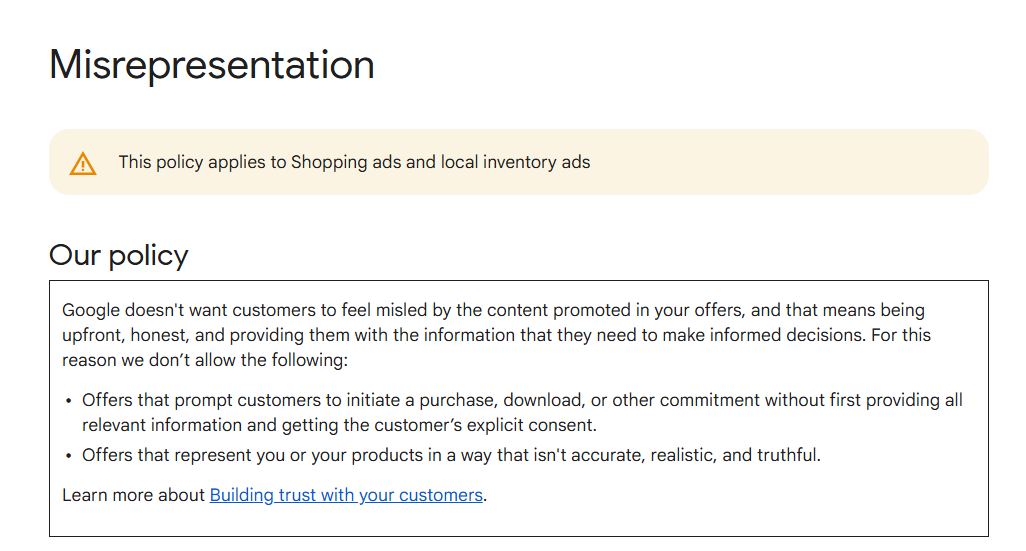
Source: Google Merchant Center Help
What to Watch Out For!
The most common reasons for a “misrepresentation” flag
Google’s policy highlights several areas where a “failure” can occur:
- Hidden, insufficient, or missing information
If key details are missing in the ad or product description, such as full price, shipping information, taxes, fees, or return and refund policies, Google considers this a violation. - Offers or products that are not available
Ads must not promote items that customers cannot actually purchase, including sold-out products, expired discounts, or fake campaigns that do not work. - Exaggerated, false, or unrealistic claims
If a product or store is presented in an exaggerated way, for example, miracle effects, unrealistic discounts, or misleading claims about effectiveness, it poses a high risk. This also applies to claims of being an authorized seller of a brand if it is not true. - Unprofessional or misleading business practices
This includes inconsistent business information, fake identities, missing business details, or misuse of another brand’s identity, basically anything that could appear fraudulent.
Areas You Must Always Keep Under Control
Because Google does not only review your product feed but evaluates your entire online store as a whole, it is important to ensure that everything related to your brand, store, products, and shopping process is compliant and trustworthy.
Store Identity and the Well-Known “Trust Signals”
Your brand must be presented completely consistently across all touchpoints. This applies to the store name, fonts used, spacing, and capitalization. If the store name appears differently in Merchant Center than on your website, it may raise concerns at Google.

Example:
If your website shows “MojObchod.sk” but Merchant Center lists “mojobchod SK,” the system may interpret them as two separate entities.
Your brand must be presented completely consistently across all touchpoints. This applies to the store name, fonts used, spacing, and capitalization. If the store name appears differently in Merchant Center than on your website, it may raise concerns at Google.
Example:
If your website shows “MojObchod.sk” but Merchant Center lists “mojobchod SK,” the system may interpret them as two separate entities.
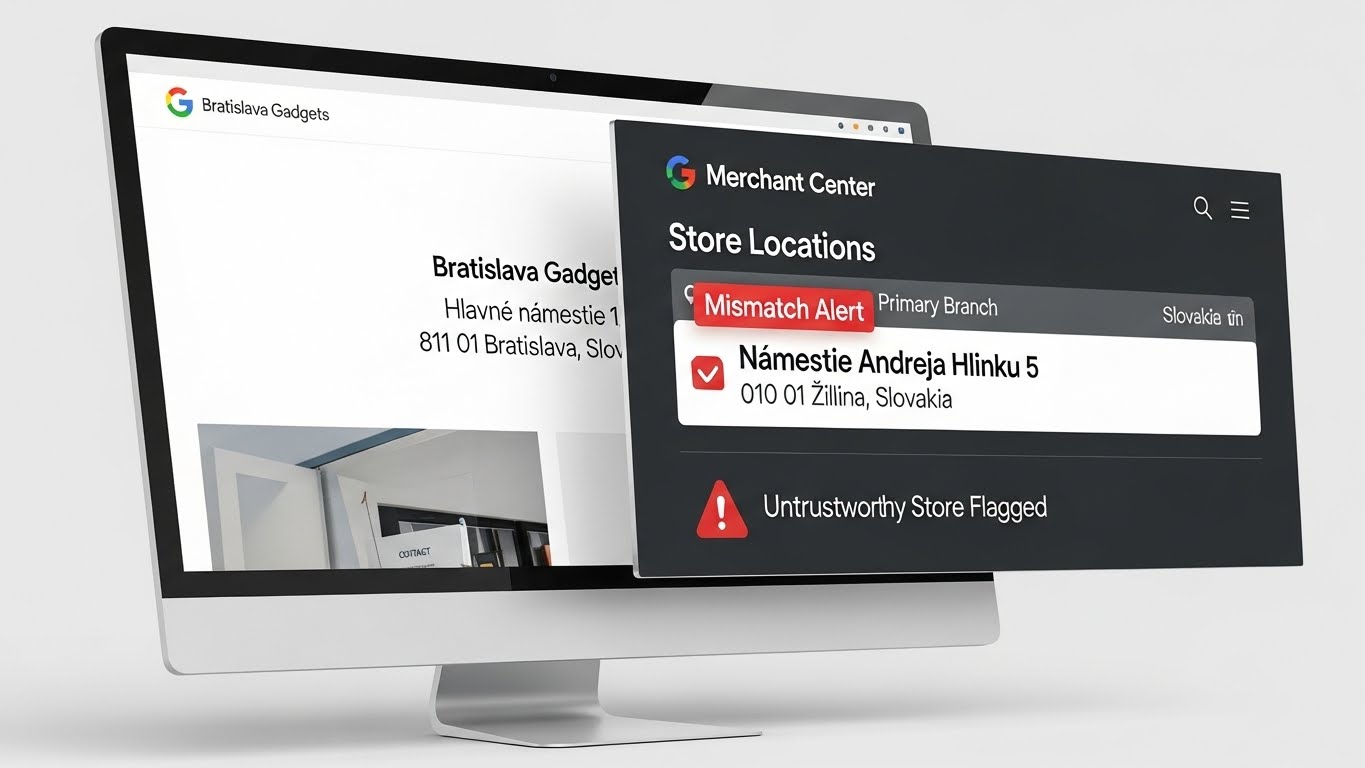
Phone number, email, address, company ID, and VAT number must be identical on your website, in Merchant Center, and, if applicable, in your business profile. Discrepancies can appear as unreliable or unprofessional behavior.
Example:
If your website lists an address in Bratislava but Merchant Center shows a branch in Žilina, this discrepancy can lead to the store being flagged as untrustworthy.
Phone number, email, address, company ID, and VAT number must be identical on your website, in Merchant Center, and, if applicable, in your business profile. Discrepancies can appear as unreliable or unprofessional behavior.
Example:
If your website lists an address in Bratislava but Merchant Center shows a branch in Žilina, this discrepancy can lead to the store being flagged as untrustworthy.
Support should be provided through a company email and ideally also via a contact form or phone. Personal free email addresses like Gmail can appear amateurish and reduce credibility.

An email like “obchod123@gmail.com” may seem like an unregistered or temporary project, whereas “support@mojobchod.sk” conveys a professional impression.
Support should be provided through a company email and ideally also via a contact form or phone. Personal free email addresses like Gmail can appear amateurish and reduce credibility.
An email like “obchod123@gmail.com” may seem like an unregistered or temporary project, whereas “support@mojobchod.sk” conveys a professional impression.
Information about shipping, delivery, returns, privacy, and complaints must be easily accessible on your website. Google evaluates whether these details are easy for customers to find on every page.
Example:
If a customer has trouble finding information about returns or it is only available on a single hard-to-navigate page, Google may view this as a risk.
Information about shipping, delivery, returns, privacy, and complaints must be easily accessible on your website. Google evaluates whether these details are easy for customers to find on every page.
Example:
If a customer has trouble finding information about returns or it is only available on a single hard-to-navigate page, Google may view this as a risk.
Using well-known payment gateways and a secure HTTPS protocol increases the store’s trustworthiness. Purchases must be secure, and customers need to see that their data is protected.
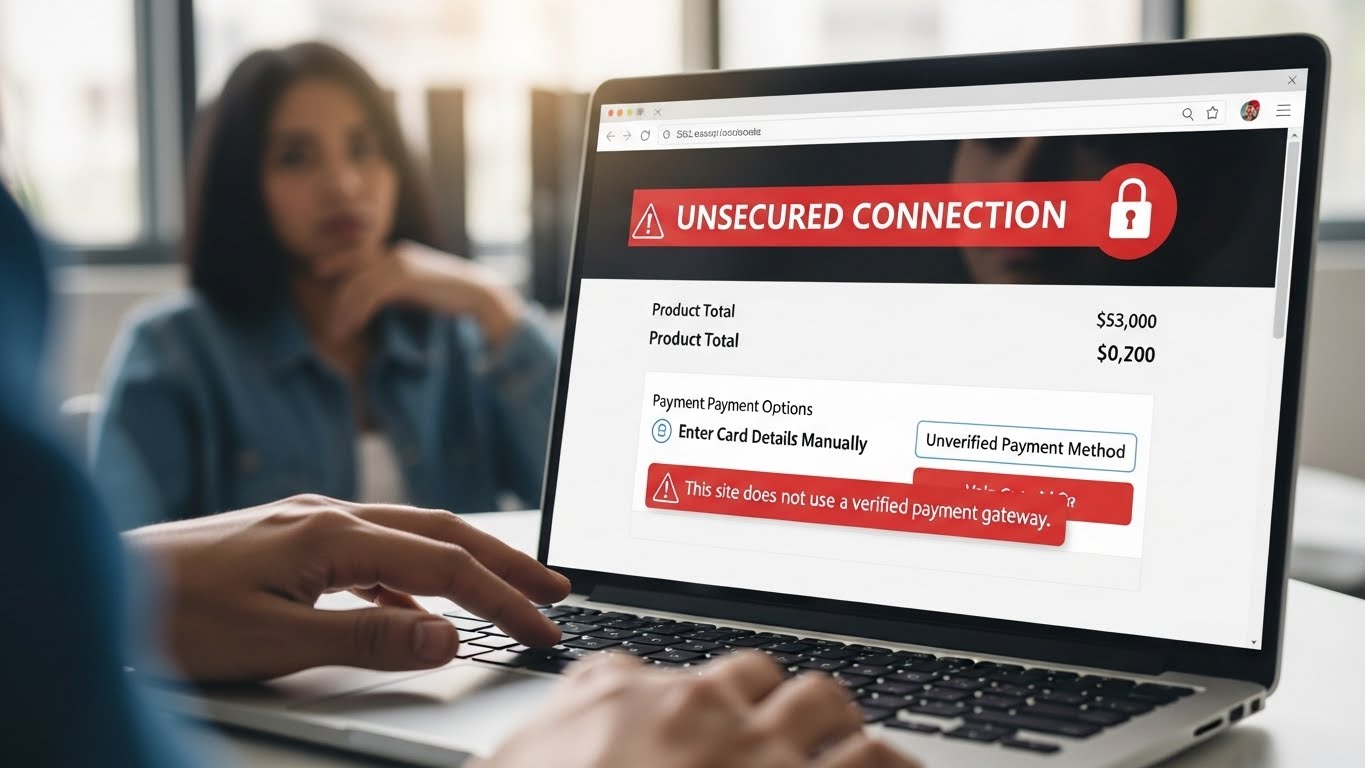
Example:
If the online store does not offer any verified payment gateways and the site lacks SSL security, the purchase may appear risky.
Using well-known payment gateways and a secure HTTPS protocol increases the store’s trustworthiness. Purchases must be secure, and customers need to see that their data is protected.
Example:
If the online store does not offer any verified payment gateways and the site lacks SSL security, the purchase may appear risky.
High-Quality Shopping Process and UX
Your website must be clear, fast, and user-friendly, including on mobile devices. Poor user experience or slow loading times can signal low quality and reduce customer trust.
It is important to provide clear and complete information about stock availability, final price, discounts, and any additional fees. Customers should not be surprised by extra costs that appear only at checkout.
It is advisable to avoid elements that feel manipulative, such as fake low-stock alerts, fictitious countdown timers, or aggressive graphic banners. Google often evaluates these elements as unfair or misleading.
Part of ensuring a high-quality shopping process is testing an order. It is recommended to create a test order to verify that no unexpected fees appear, all information is clear, and the entire process is understandable for an average customer.
Accuracy of Product Data and Feed Synchronization
Product titles, descriptions, prices, and availability in the product feed must exactly match what the customer sees on the product page. This is especially important during sales, discounts, or changes in stock.
Products must have correct and complete attributes, such as brand, GTIN, or MPN if available, as well as color, size, or material. These details help Google categorize products correctly and show them to relevant customers.
Shipping costs, taxes, and delivery times listed in Merchant Center must match the actual information on your website. If these details differ, Google may consider it misleading.
It is important to remove products from the feed that are sold out, canceled, or no longer exist. Outdated or unnecessary listings are considered suspicious by Google and may trigger a misrepresentation flag.
What to Do if You Have Already Received a Warning or Suspension
Do not impulsively submit multiple appeals. Google usually allows a maximum of three attempts to resolve the issue.
Before submitting an appeal, thoroughly fix all deficiencies on your website, in the product feed, contact information, user interface, payments, and terms and conditions.
Document all changes. Take screenshots, export the feed, add contracts or confirmations of updates. This way, you can demonstrate that the problem has been properly addressed.
After making the changes, wait at least 48 to 72 hours to allow Google to re-index your site. Submit the appeal only after this period. Submitting too quickly may result in automatic rejection.
If you are unsure where the problem occurred or how to resolve all issues, you can use support from CSS Shopping in EU. Our specialists can help analyze your online store, identify risky areas, and prepare complete documentation for Google. This increases the chances of successfully restoring your account, allowing you to continue advertising and selling without unnecessary complications.
Conclusion
Google’s misrepresentation policy is strict, but it can be avoided by following proper practices. The key is to operate your online store fairly and transparently, maintain accurate and up-to-date information, ensure a reliable shopping process, and demonstrate trustworthy business behavior.
For you as an online store owner or an agency managing a store, this approach not only minimizes the risk of suspension but also builds customer trust. In the long run, such a strategy usually pays off and supports stable sales growth.